
urBreeder · Placements
Finding the right home, on the record
For breeders placing puppies and kittens. How listings, applications, the waitlist and contracts work.
On a phone
Live screens from the product, captured on a phone with demonstration data.
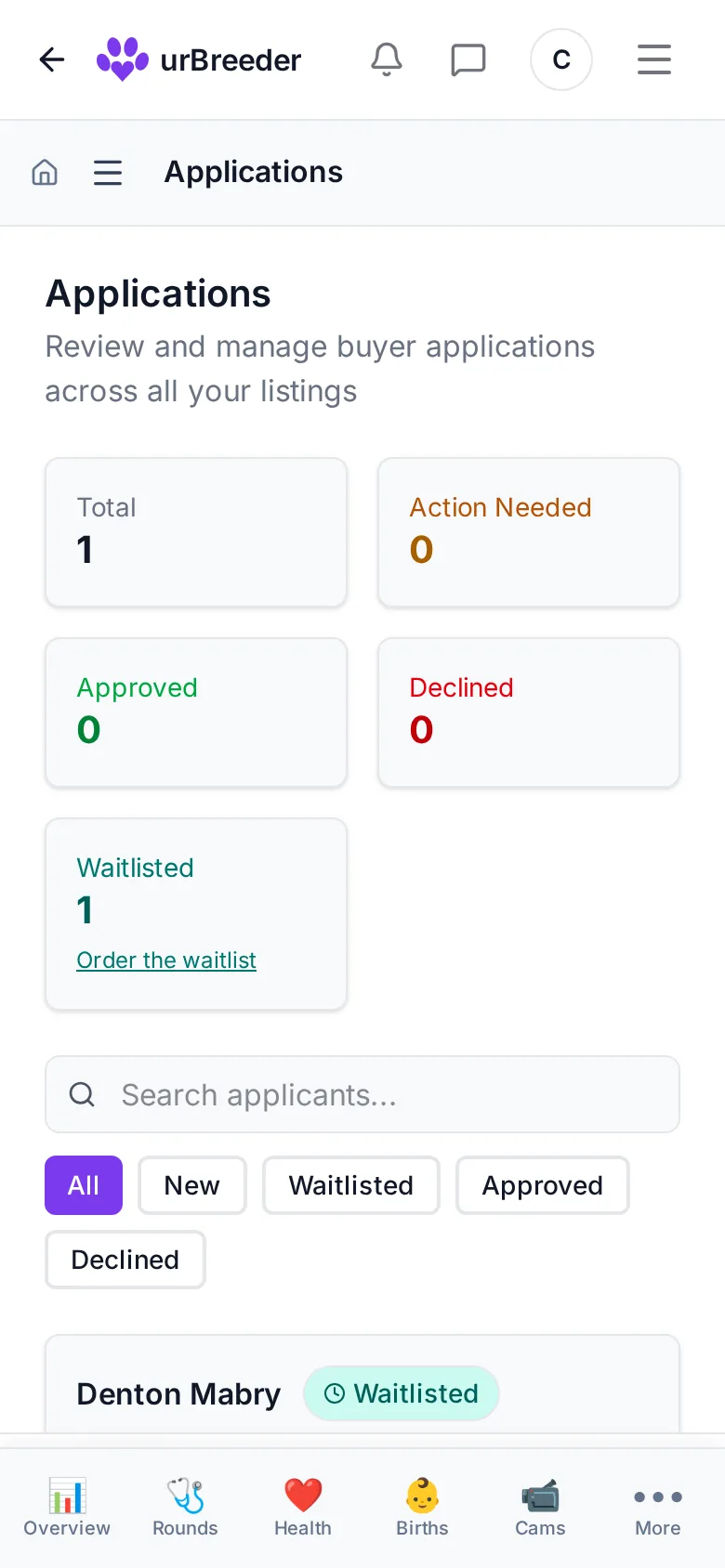
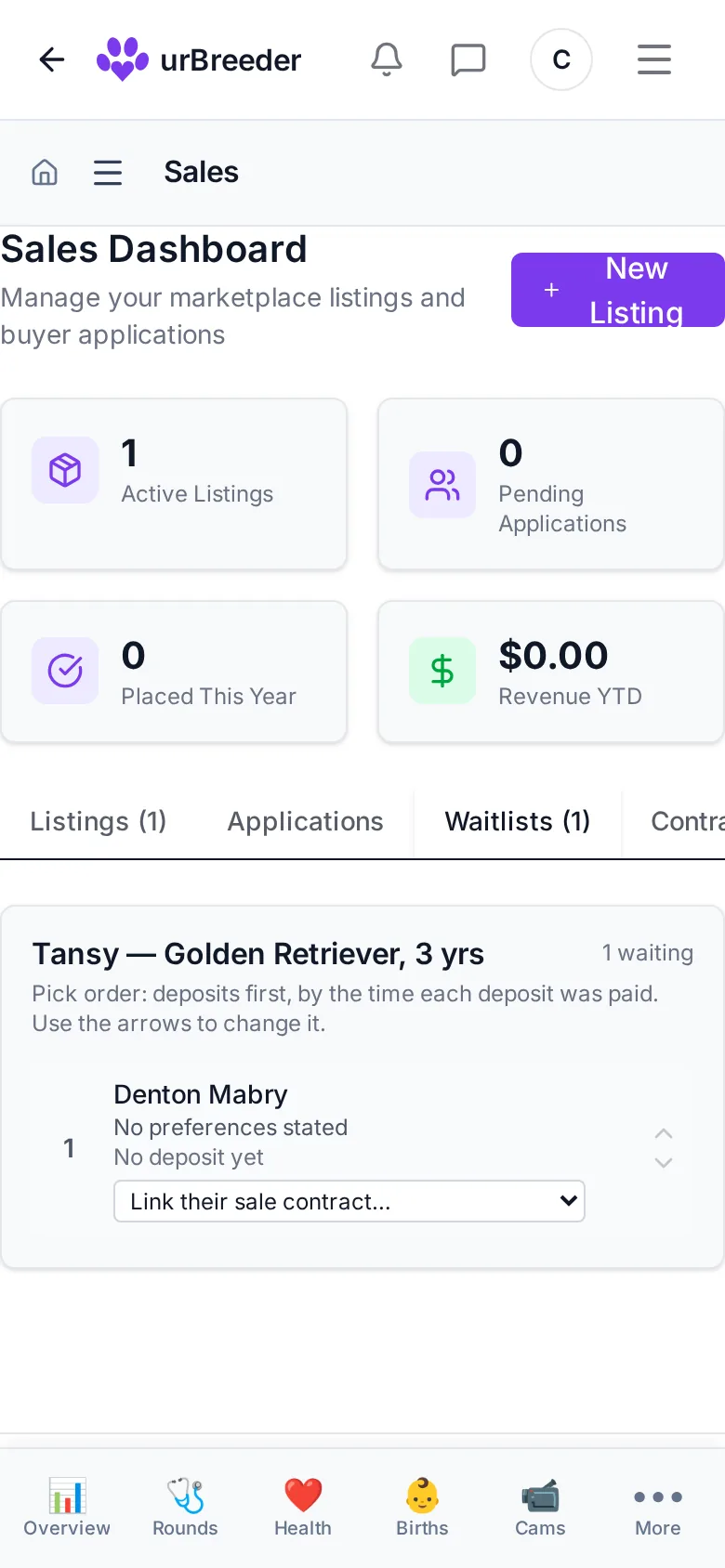
Listings
Draft a listing, publish it when it is ready, and withdraw it when the animal is spoken for. Each listing shows how many people opened it to apply and how many applied. Your own visits and known bots are not counted, and no visitor is named.
Applications and the waitlist
Families apply against a listing and you review them in one queue: approve, decline or waitlist. Before they can apply, they acknowledge the animal’s care commitments.
Keep the families waiting for a litter in the order you choose.
Sale contracts, including your own
The agreement is drawn up and signed by you and by the buyer, and its exact text is fixed and kept with the sale it governs.
If you already have a contract, paste it in, mark where the buyer, animal and price go, and they are filled in for each sale.
The record goes home too
Completing the sale transfers the animal on its record, so the new family opens its history in their own account.
Deposits and installments
Connect your own Stripe account, take a deposit and let a family pay the balance in installments, with reminders before each payment, a receipt for every payment, and the final payment completing the sale.
Questions
Can I use my own puppy contract?
Yes. Paste in the contract you already use and mark where the buyer, animal and price go.
Who can see who viewed my listing?
Nobody. You see counts of views and applications; no visitor is named.
Can I take deposits?
Deposits and installments through your own Stripe account are coming soon.